Sizes and add-ons
Choose a drink, its size and the available extras. Keep those choices with the order so your team can see what was sold. Set prices for your actual menu instead of leaving staff to remember every difference.
Bnez POS · Café POS
Take a drink order, send it to the bar and keep track of the supplies behind it. Bnez brings your coffee shop’s checkout, recipes and daily sales together.
At the coffee counter
A useful coffee shop POS handles the details between “one latte” and the drink the customer expects.
Choose a drink, its size and the available extras. Keep those choices with the order so your team can see what was sold. Set prices for your actual menu instead of leaving staff to remember every difference.
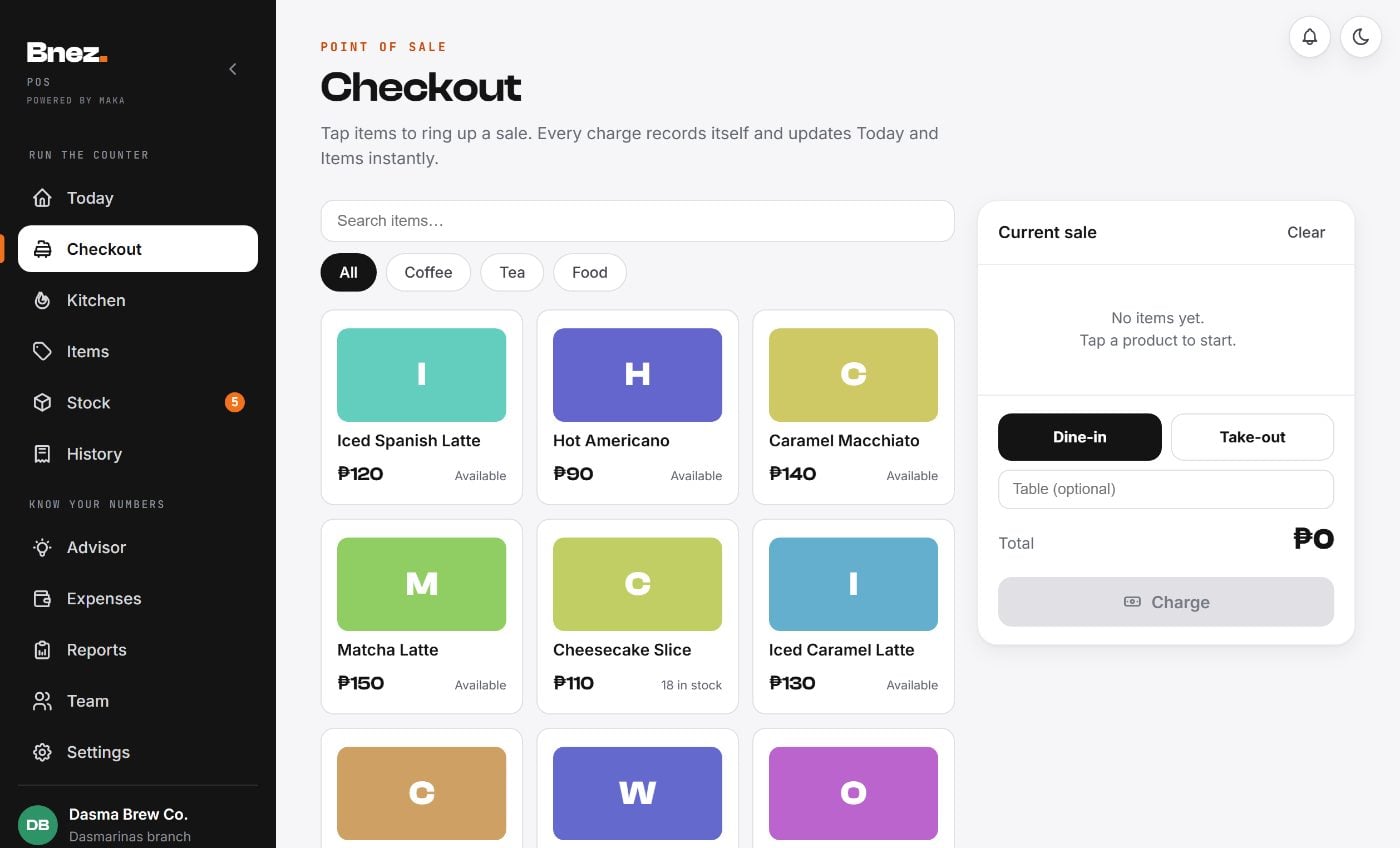
Record dine-in or take-out orders, add a table label or order note, and let the kitchen or bar screen follow the work. Separate stations can mark their own part ready.
Record cash or an enabled payment method, calculate cash change and keep the sale in History. Check the wallet or payment provider before recording a wallet payment as received.
Behind every cup
Track packaged items by quantity and made-to-order drinks by their ingredients. Your recipe setup determines what a recorded sale uses.
After the rush
Compare items sold and review daily, weekly or monthly totals. Use the recorded sales to decide which drinks deserve another batch and which items need a closer look.
Enter item costs and running expenses so the amount you kept reflects the costs you have recorded. Update ingredient prices when supplies change.
Begin with your opening cash and finish with a count. Review cash and wallet totals separately, then investigate any difference while the shift is still fresh.
Before you choose
Your next shift
Start with the orders you serve most often. We’ll show how checkout, recipes and reports fit together.